
Sign Smarter With Pay-Per-Usage Electronic Signature Platform
Create a faster, simpler way to get documents signed with secure eSignatures, seamless workflows, and native Salesforce and TallyPrime integrations.
 No credit card required

Why Businesses in India Choose KAiZEN eSign


Everything You Need to Send, Sign and Track Documents
Electronic Signatures
Send and sign documents from any device. No printing, scanning or courier delays.

Request Signatures via Email/WhatsApp
Reach signers where they already are and get documents back faster.
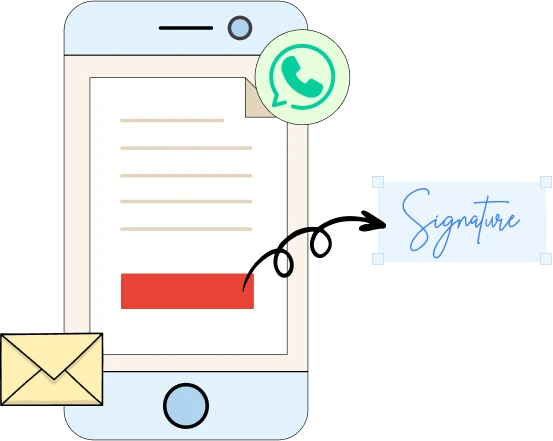
Bulk Send to multiple recipients
Send one request to many people at once. Each recipient gets their own copy to review and sign.
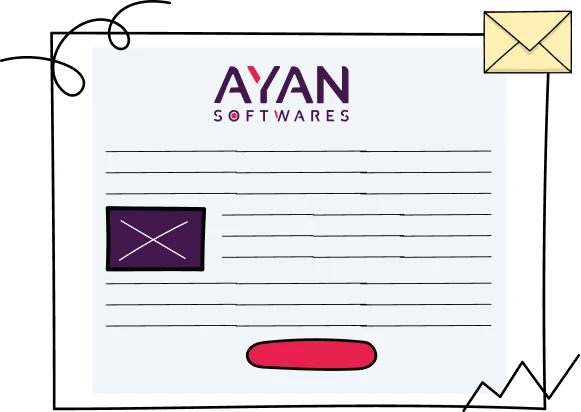
Customized Branding
Add your logo, brand colours and email templates so signers see your brand, not ours.
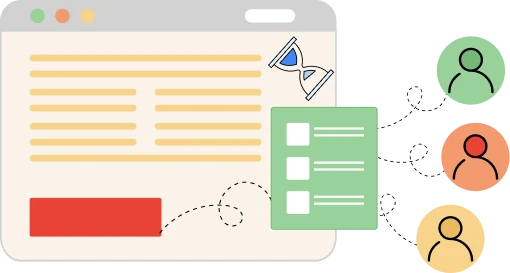
Track Signature Requests
See where every document stands, with instant status updates and notifications.

Bulk Links
Share one signature link on your website or in email campaigns and collect signatures at scale.
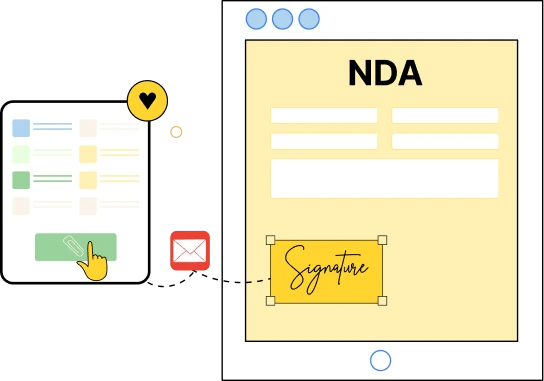
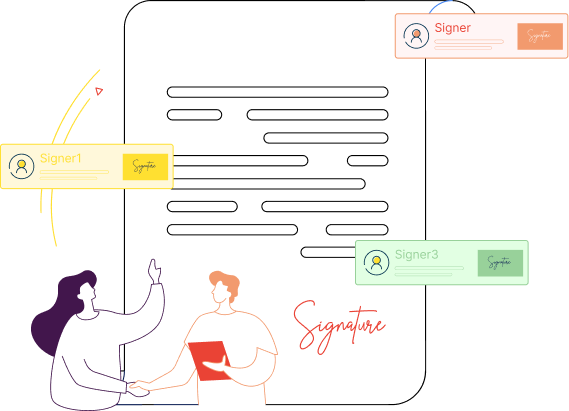
Signer Management
Set the signing order, add multiple signers and CC stakeholders for full visibility.
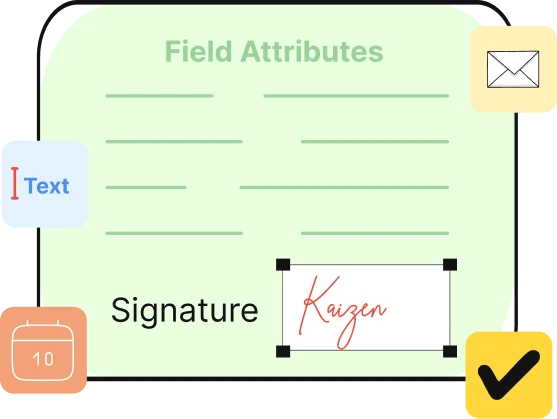
Fields and Attributes
Capture dates, initials, approvals and custom text along with the signature, in one document.
eSignature Integrations for Your Existing Systems
Add KAiZEN eSign APIs to your current software without disrupting how your team works. Connect LOS/LMS platforms, eKYC tools, HRMS systems, CRMs and accounting software, then start signing from inside the tools you already use.







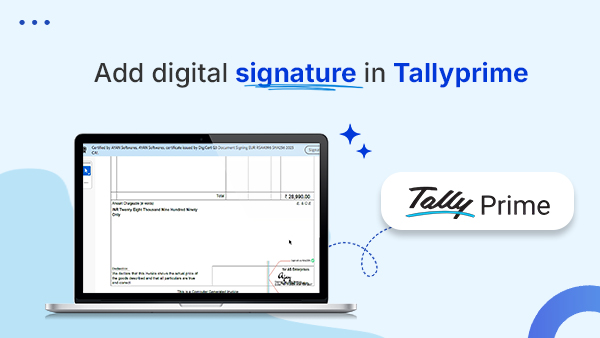
eSign Tally Invoices, No Dongle Needed


Meeting Global Security Standards


Industries Powered by KAiZEN eSign

Banking

Education

Government

Healthcare

Insurance

Legal Document

Real Estate

Retail
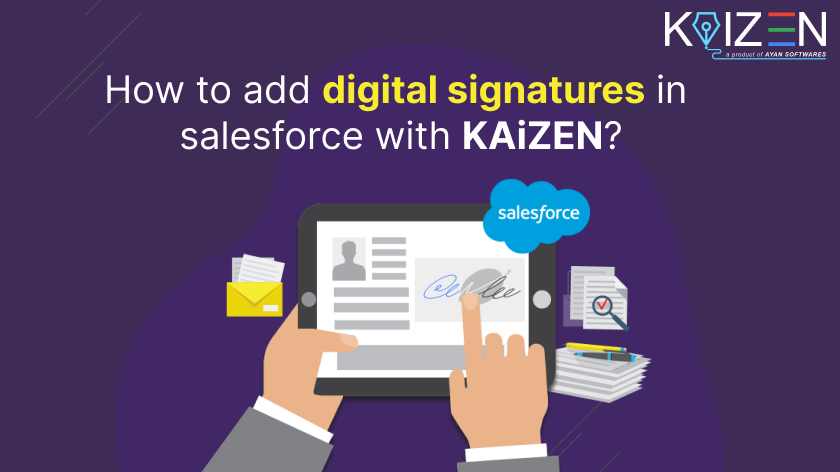
KAiZEN eSign integration with Salesforce
Integrate KAiZEN eSign with Salesforce using our REST API. Prepare, send, monitor
and track documents from your Salesforce records.
🚀 Developers love us — Unlimited API Access in Sandbox


Connect with Salesforce
Link KAiZEN eSign to your Salesforce account.

Create templates
Design templates and map Salesforce fields.

Send for signature
Send documents for signature from salesforce records.

Track & Save
Track status and save signed documents in Salesforce.


eSign your document in seconds
Our Blogs

TL;DR: What is bulk document signing? Bulk document signing means sending or signing many documents in one go instead of […]
TL;DR: Want to sign without USB token? You can sign without USB token on any device. Contracts, forms, invoices and […]
Getting a SaaS contract in your inbox can feel stressful. You want to start using a tool or close a […]

TL;DR:TL;DR: SaaS contract signing rarely stalls because the customer changed their mind. It stalls while the contract travels between people. […]
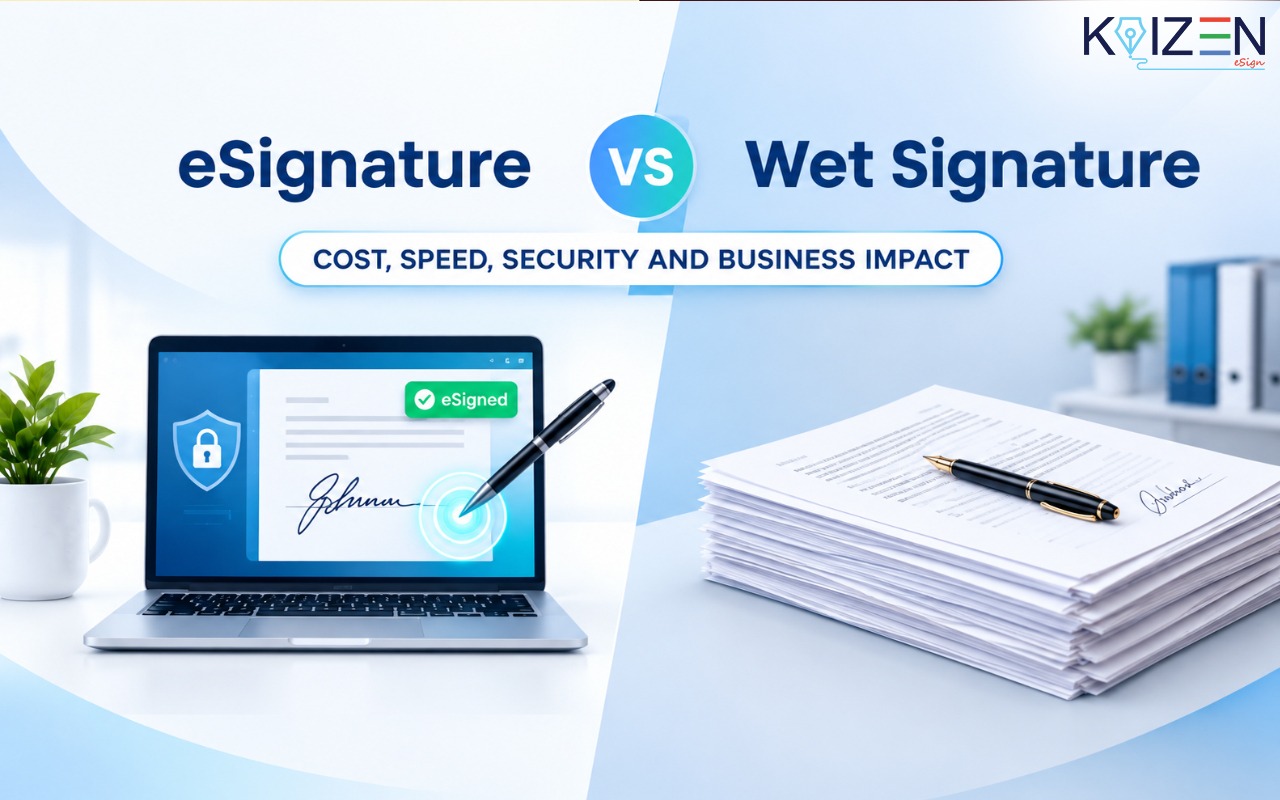
TL;DR: eSignature vs Wet Signature Signing documents is a common part of every business. Contracts, offer letters, agreements, and other […]
TL:DR : eSignature for HR teams HR loses the most time not in decisions, but in the gap between a […]

TL:DR : Sign PDF in Your Browser You can sign a PDF in your browser for free using Firefox, Edge […]
The eSignature software cost in India is one of the most confusing things to figure out when you are comparing […]
Finding the right eSignature software for small businesses that only sign a few documents a month is a completely different […]
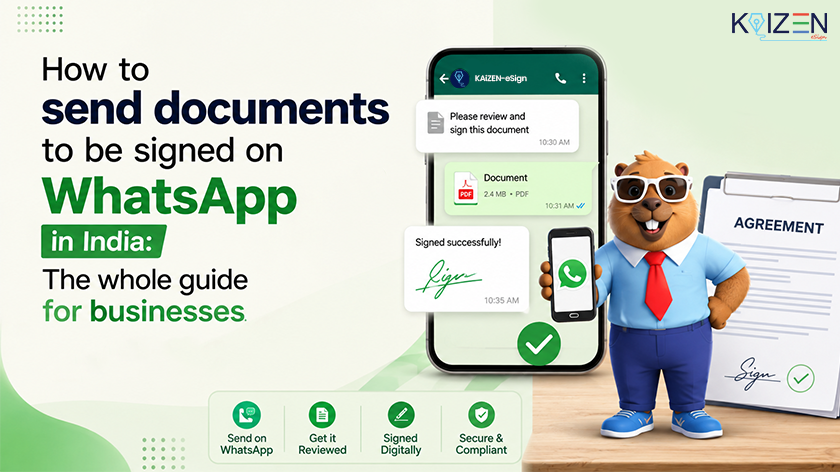
TL;DR: Want to send documents for signature on WhatsApp? You can send documents for signature on WhatsApp using an eSignature […]
Trusted by






Contact Support
Contact support anytime for fast, reliable product solutions.
Contact Us
Frequently Asked Questions.
Are eSignatures legally valid in India?
Yes. The IT Act, 2000 recognises electronic signatures and electronic records. Some documents, such as wills, trusts and powers of attorney, still need traditional execution.
What is the difference between an eSignature and a DSC?
An eSignature is the broad term for signing electronically. A DSC is a digital signature certificate issued to an individual or organisation, used for a higher level of authentication. KAiZEN supports SOC II Type II, DSC Class III, eIDAS, AATL etc.
How secure are documents signed with KAiZEN?
KAiZEN uses end-to-end encryption to keep your documents safe. Each signed file is tamper-proof and comes with a downloadable audit trail, providing transparency and compliance for every transaction.
Can multiple team members collaborate using KAiZEN?
Yes. KAiZEN supports multi-level user access so teams can collaborate, track document status, and monitor approvals from a central dashboard.
Which platforms does KAiZEN integrate with?
KAiZEN integrates seamlessly with popular platforms like Salesforce, Tally Prime, Java applications, and other enterprise systems. Its API makes it easy for developers to embed digital signature capabilities into existing workflows.
How do I install and use KAiZEN eSign with Tally Prime?
You can install the KAiZEN Tally Installer Plugin directly from the homepage (Download KAiZEN Tally Installer). Once installed, invoices and financial statements in Tally Prime can be signed digitally without manual effort.
How can I request a demo or upgrade my plan?
You can request a demo or upgrade your subscription directly from the website by clicking on Request Demo or Start Free Trial. The sales team will guide you through the setup and onboarding process. Also, you can write to our sales department at sales@ayansoftwares.com or call at +91 9953170767.
How to Use a Digital Signature?
You can use a digital signature to sign documents online without printing or scanning. Upload your file to a platform like KAiZEN, place your signature where needed, and complete the signing process. The signed document can then be shared or downloaded instantly with full security.
What is the cost of a eSignature?
Unlike traditional fixed-term certificates, KAiZEN offers a Pay-Per-Usage option, so you only pay for the documents you sign—making it flexible and cost-effective.